QR code generator.
Your colors. Your link.
Use our free QR code generator to customize colors, add a logo and choose a frame. Download your QR code as PNG or SVG, with a direct URL or an editable destination.
Free PNG and SVG· Custom colors and logo · Live preview
Your recent links
Links you create on this device will appear here.
| Short link | Destination | Actions |
|---|
Management keys stay in this browser. Clearing history keeps your links active but removes their keys from this device.
Destination and opens
The count includes automated requests and does not represent unique people.
Design your QR code
The readability check applies to this preview. Scan the downloaded file with your phone before printing.
Use the QR code generator in three steps
Choose your destination
Paste a public website, article or document URL. Use a direct code when its address should be stored in the image, or choose an editable destination if you want an intermediate short link.
Design the code
Choose dark modules on a light background, upload a logo if needed and add a card caption. Use a preset as a starting point, then adjust its settings. The clear margin around the code is retained.
Download and test
Choose PNG for a pixel image or SVG for a scalable vector file. The QR code generator checks the preview’s readability before enabling export. Scan the actual downloaded file with your phone before printing a batch.
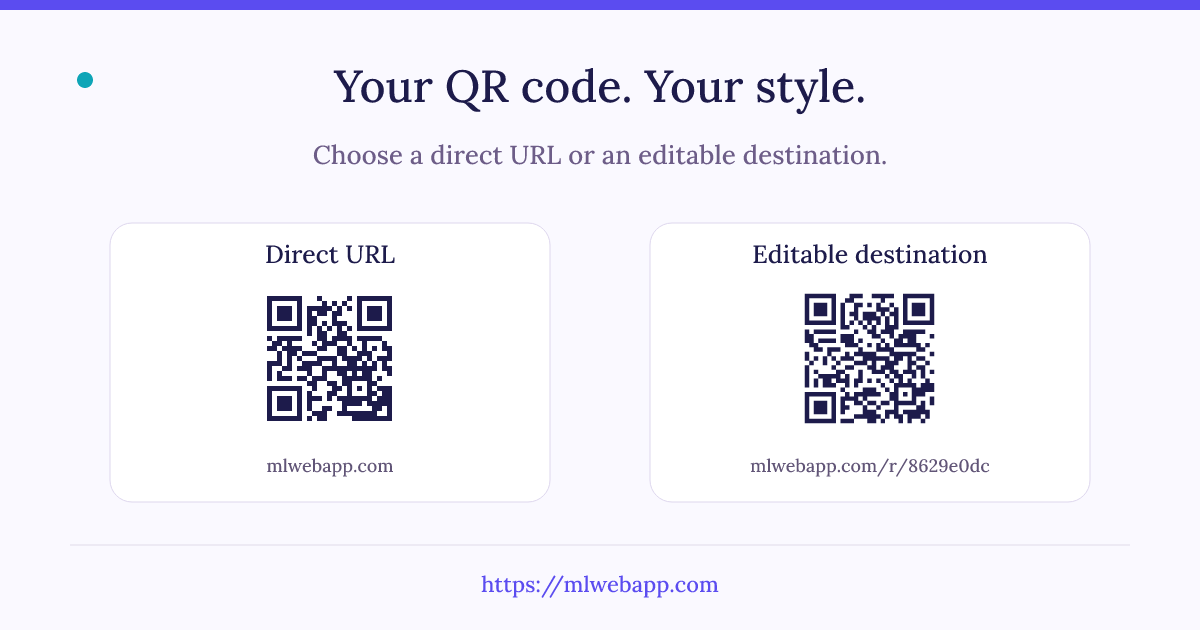
Direct URL: the address in the image
In direct mode, the QR code generator encodes the address shown below the preview. The code is generated in your browser. Your destination and logo are not sent to our short-link service to create the image.
Once downloaded, the image no longer depends on this generator. Its encoded address still needs to remain available. If the destination moves to a new URL, arrange a redirect on that website or create a new QR code. A direct code that already contains someone else’s short link still depends on that external service.
Editable destination: keep the same code
This mode first creates a mlwebapp short link and encodes it in the QR image. Update the destination through this device’s saved history using the link’s private management key. The image and its encoded short address stay the same.
This is useful for a printed handout whose online content may change. The redirect has no scheduled expiry, but depends on the service remaining available and the link staying active. Its aggregate open count includes automated requests and is not a count of unique scanners.
PNG or SVG: choose the right download
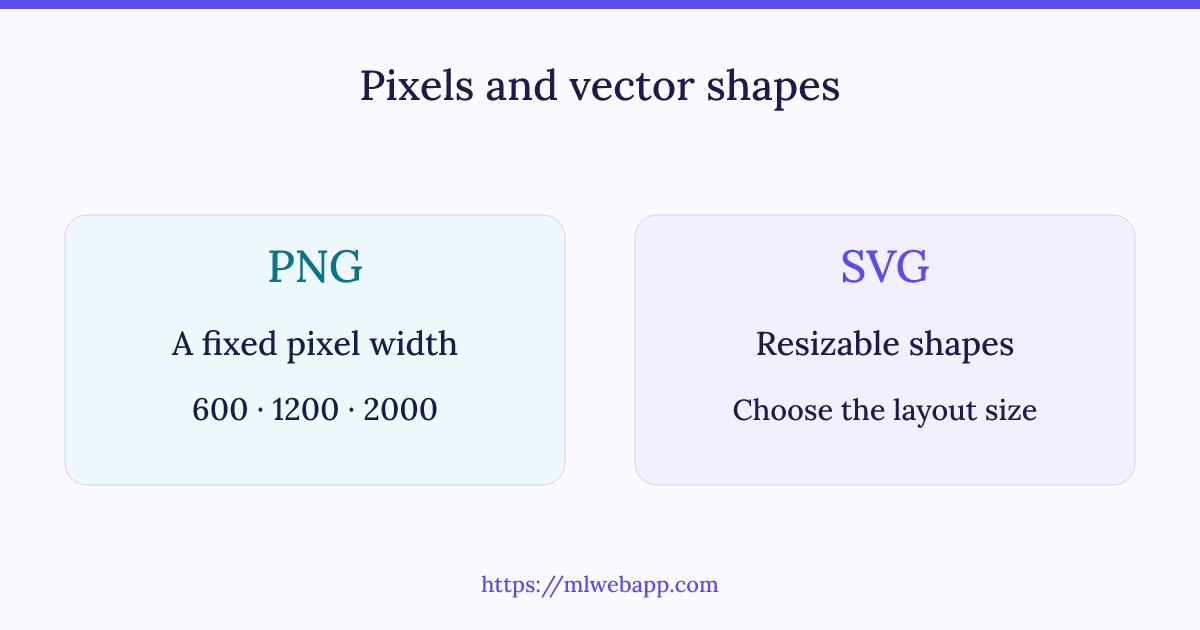
PNG stores the QR code as pixels. The size setting controls its exported width: 600, 1,200 or 2,000 pixels. A card caption adds height below the code. Use PNG when inserting the image into ordinary documents, presentations or services that do not accept vector files.
SVG describes the modules as vector shapes. You can resize it without pixelating those shapes, which can help when preparing a print layout. The document or printing software must support SVG. Whichever format you choose, keep a clear margin and test the final physical size, surface and expected scanning distance.
Colors, logo and readability
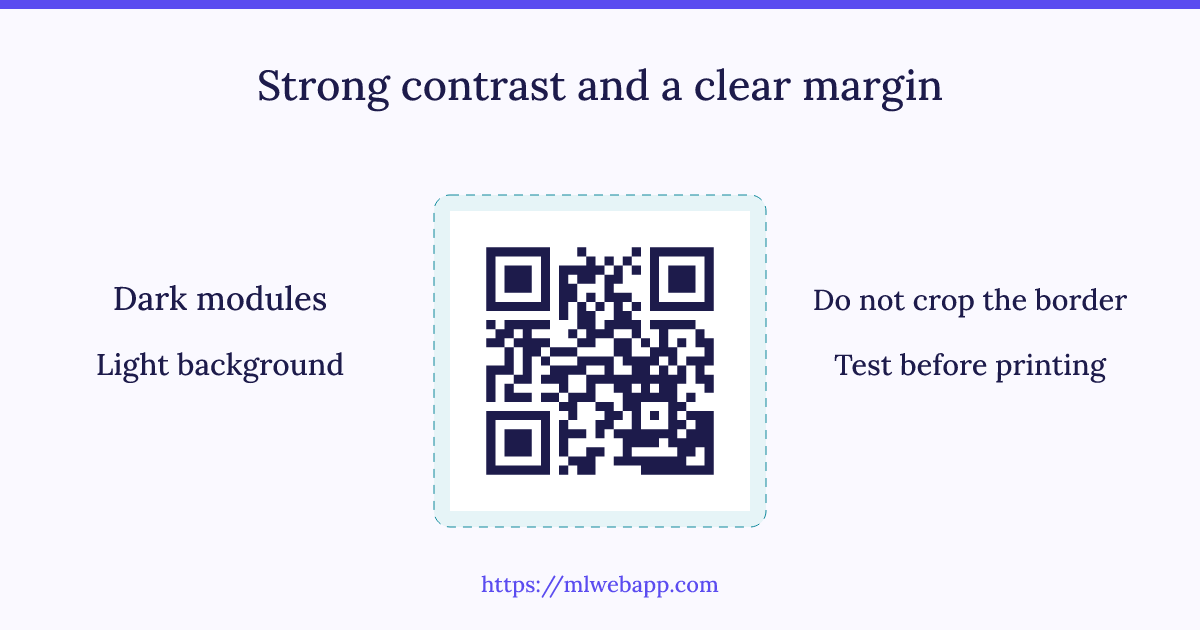
The QR code generator requires a dark code on a light background with sufficient contrast. Very pale modules, dark backgrounds or a busy design can make scanning unreliable. Avoid cropping the clear border when placing the image in another document.
Your logo is read and resized locally. Supported formats are PNG, JPEG and WebP, with a maximum file size of 1 MB and a maximum side length of 4,096 pixels. The tool limits the logo’s area and checks the rendered code, but this does not replace testing on the device and printed material your readers will use.
Prepare your QR code for its final support
Start with the place where the image will be used: a screen, a presentation, a handout or a larger printed sign. Enter the actual destination in the QR code generator and open that page to confirm it is the one your reader needs. Choose whether the destination should remain directly encoded or be managed through a short link.
For a printed document, download a test image and insert it at the intended final size. Keep the full border visible and leave space between the code and neighboring text or artwork. Print a sample using the same paper and process as the final version. Scan it with a phone from the expected distance and under the lighting in which it will be read. A successful preview check on screen cannot predict every combination of printer, surface and camera.
Check the destination as well as the image
After scanning, verify the address before opening it and confirm that the page loads with the permissions your reader will have. A QR code does not remove a login requirement or make a private file public. If you share a protected document, set its access permissions separately and avoid publishing URLs that contain confidential tokens.
Keep the right files
Retain the downloaded PNG or SVG and a copy of the destination URL. If the QR code generator created an editable destination, keep access to the browser that holds its management key. Replacing a logo, a caption or colors creates a new image, while changing the destination of the encoded short link can leave the existing printed image intact. Before a large print run, test the final exported file again after any layout changes.
See the mechanisms in diagrams
Questions before you share
Is this QR code generator free?
Yes. Custom colors, a logo, PNG and SVG downloads are free, without a watermark or registration. Direct QR codes are generated locally. Editable destinations use the short-link service and are subject to its creation limits.
Can a QR code expire?
A static QR image has no built-in expiry mechanism. It continues to contain the same data while the image remains readable. Opening a website still depends on the encoded address, and an intermediate redirect also depends on its service.
Is my logo uploaded to a server?
No. The image is processed in your browser and embedded in your download. It is not uploaded to the WordPress media library. For an editable destination, only the destination URL is sent to the short-link service to create the redirect.
Why is the download button unavailable?
Enter a valid URL and wait for the preview to pass its readability check. If the check fails, remove the logo, choose stronger contrast or use a shorter address. A change to the settings invalidates the previous export until a new preview is ready.
Can I change a destination after printing?
You can update an editable destination if this browser still has its management key. A direct QR code cannot change its encoded data; any move must be handled at the destination website. Clearing local history removes your ability to manage an editable link from this device.
How does a QR code work?
A QR code is a two-dimensional code that represents data such as a web address. A compatible reader decodes those data and may offer to open the address. DENSO WAVE, the original developer of the format, documents its features and error correction.
QR code documentation — DENSO WAVE
Share only destinations you are authorized to distribute. Phishing, malware and unlawful content are prohibited; abusive links may be suspended. To report a link, contact mlwebapp and include its address. Read our privacy policy for information about the site.