Artificial intelligence
Understand AI,
build web applications with it.
Explore AI concepts, Python, data, machine learning, web applications and deep learning. If you are starting out, the learning path connects these topics in a progressive order, from the first concepts to using a model.
- Free, no sign-up required
- Exercises with solutions
- Beginners welcome
Six topics to learn and build
Choose a topic to find its content, or follow the step-by-step learning path if you are starting out. Each topic distinguishes available lessons from those in preparation.
Understanding AI
Concepts, tasks, how models work and their limits. Understand what a model does and choose a useful question.
2 published articles
Python for machine learning
Language, environment, libraries and project code. Write, read and reuse Python code.
4 published articles
Data, statistics and visualisation
Data quality, exploration, preparation and charts. Explain the data and prepare it correctly.
Lessons in this category are in preparation.
Machine learning
Models, evaluation and interpretation. Compare results and justify the choice of a model.
Lessons in this category are in preparation.
Web applications with models
Streamlit, APIs, interfaces and model use. Build an application that uses a prediction.
Lessons in this category are in preparation.
Deep learning
Neural networks, training and comparison. Explore models further after learning the foundations.
Lessons in this category are in preparation.
The first lessons, in order
Start with lesson 1, then set up your tools before moving on to Python basics.
- Lesson 1
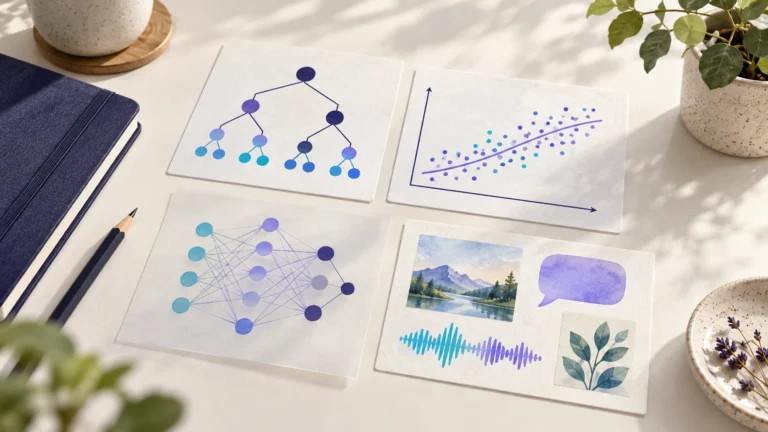
AI, machine learning and deep learning: understanding the differences
Understand AI, machine learning, deep learning and generative AI through one concrete problem, then follow the steps from training a model to using it in an application.
- Lesson 2
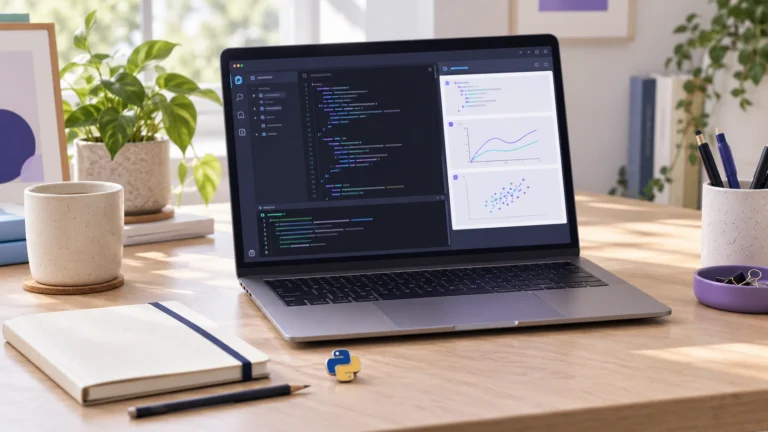
Install Python with uv, VS Code and Jupyter
Set up a Python project on Windows with uv, configure VS Code and Jupyter, then check the notebook’s kernel and library versions.
- Lesson 3
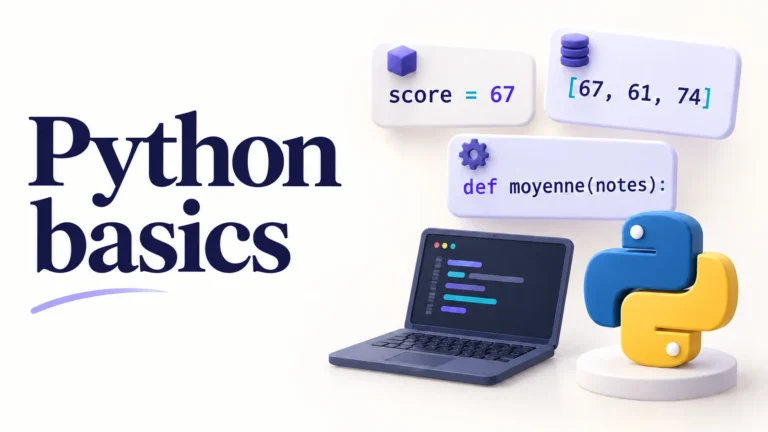
Python basics: variables, lists, dictionaries, conditions, loops and functions
Learn Python basics through 11 concepts: variables, strings, lists, dictionaries, conditions, loops and functions, with a notebook and a solved exercise.
Latest articles
Explore new publications and further reading from the learning path.
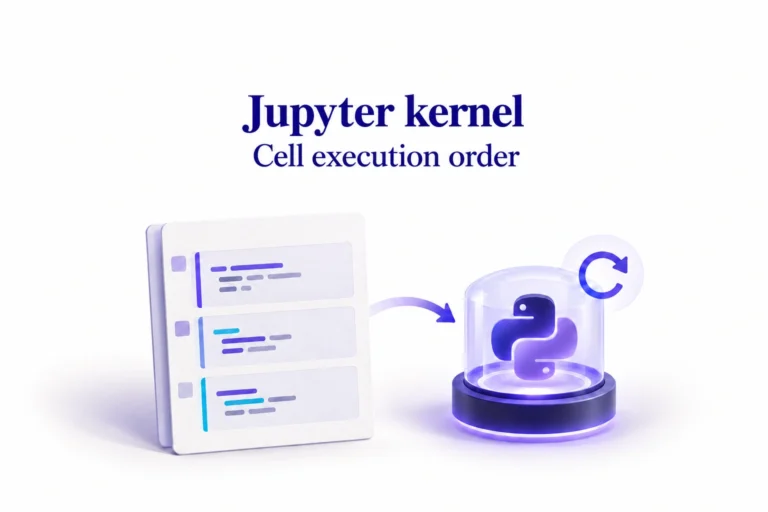
Understanding the Jupyter kernel and notebook execution order
Understand the Jupyter kernel, Python, .venv and ipykernel. Run cells in dependency order, check stale results and save verified notebook outputs.
Supervised and unsupervised learning: understanding the target
Learn how a known target guides supervised learning, how unsupervised learning explores structure, and why a column’s role depends on your question.
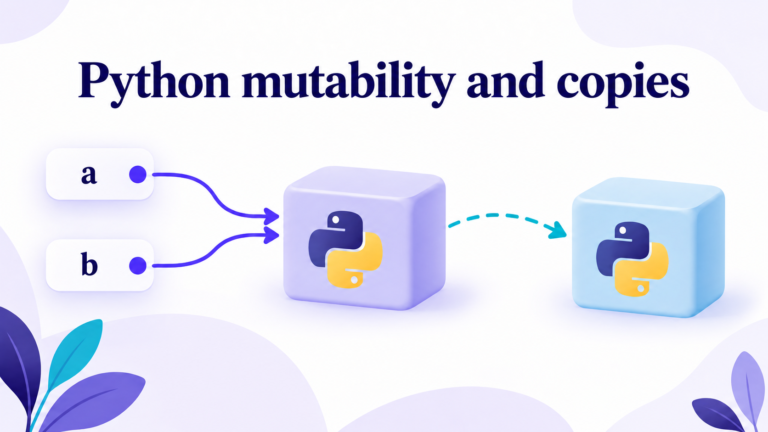
Python mutability and copies: avoiding unintended changes
Understand why two variables can share a list, then choose an appropriate copy to work without changing the original data.

Application projects
Application projects connect a question, data, a model and a web interface. The first project develops through the lessons in the learning path; more projects will be added to this section.
How to follow the lessons
Read the explanation, try the example when it includes code, then check your understanding.
- 1
Understand
Terms and prerequisites are explained when you need them.
- 2
Practise
Python examples use Jupyter notebooks that you can open in VS Code.
- 3
Check
Exercises and solutions help you review your reasoning and the limits of the result.