Paste a URL. Create a short link.
Use our free URL shortener to create links without an account. Share them and manage their destination on this device. Links have no scheduled expiry.
Your recent links
Links you create on this device will appear here.
| Short link | Destination | Actions |
|---|
Management keys stay in this browser. Clearing history keeps your links active but removes their keys from this device.
Destination and opens
The count includes automated requests and does not represent unique people.
How to use the URL shortener
Paste your destination
Enter the public address of your website, article or document. If it has no protocol, the tool adds HTTPS. Check that the original page opens before shortening it.
Choose your link ending
Leave the optional field empty for an automatic code, or use 4–40 lowercase letters, numbers or hyphens. A custom ending must be available and cannot begin or end with a hyphen.
Copy, share and manage
Copy the result, open a sharing option or send it to the QR code generator. Keep local history enabled if you want to update the destination from this browser later.
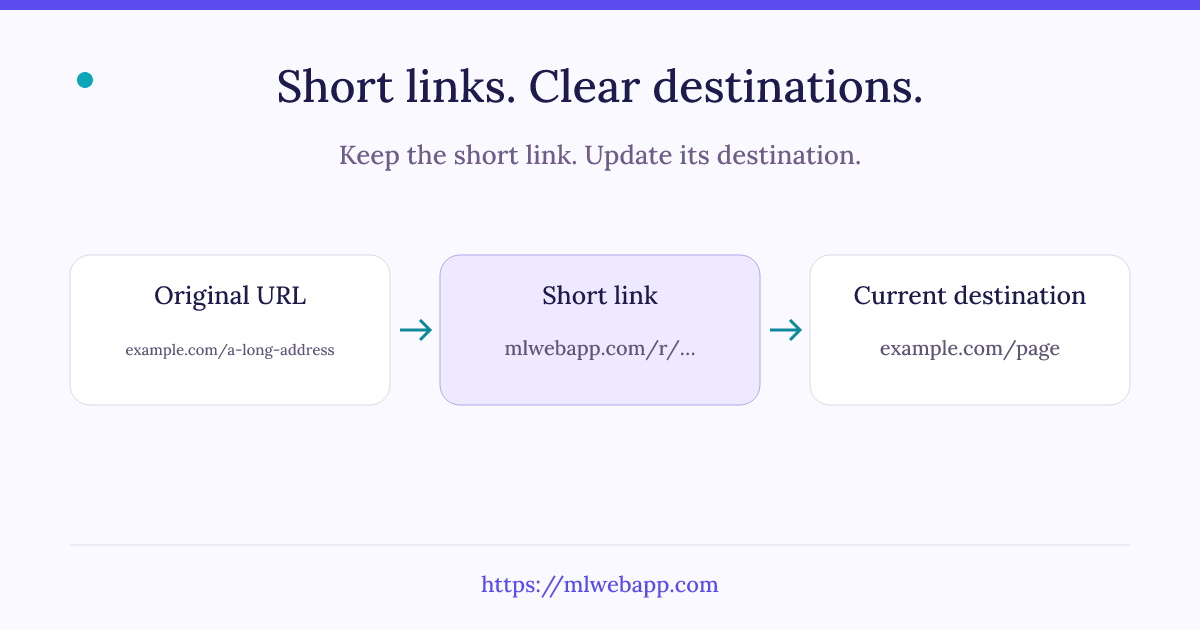
What a URL shortener does
A URL shortener creates a compact address that redirects to a longer web address. With mlwebapp, the public address contains a short code after /r/. Our server looks up that code and sends the browser to the saved destination using an HTTP redirect.
The short address is useful in a message, a slide or a document where a long URL would be difficult to read. It does not copy the destination page or host its files. If the original page becomes unavailable, shortening its URL cannot restore it.
Change the destination after sharing
Open Manage beside a saved link to see its current destination and open count. Enter a new public URL and save it. The short link stays the same, so a QR code that contains that link also keeps working with the new destination.
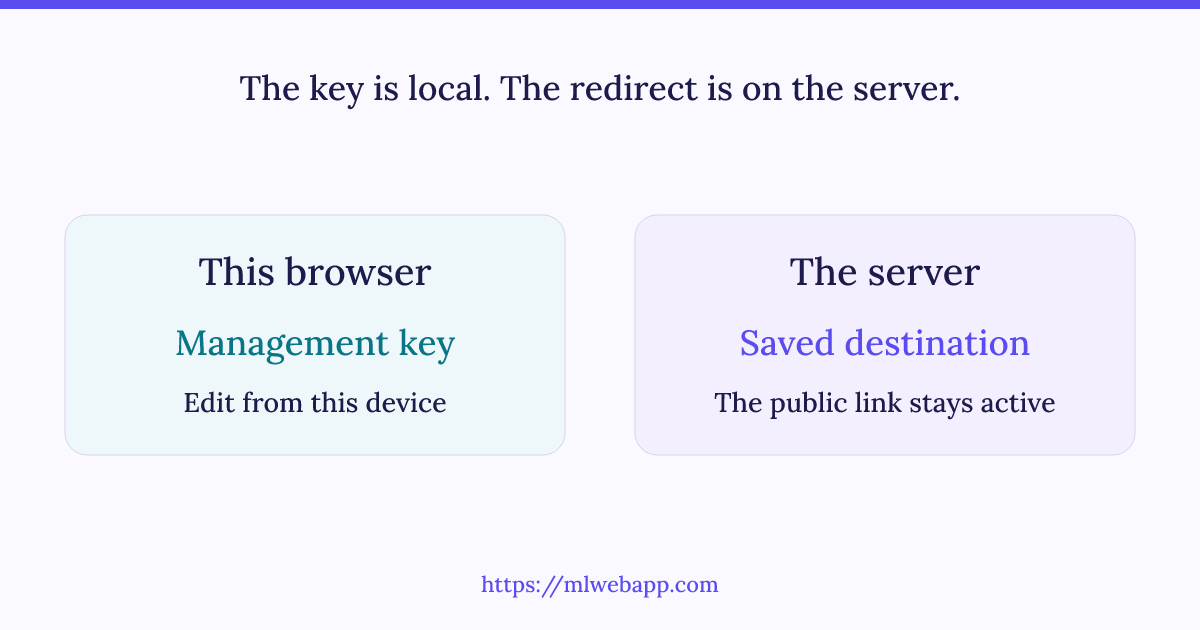
Management relies on a private key created with the link. If you allow local history, this browser keeps that key on this device. It is not included in the shared URL. Do not share your management key or use a public destination URL that contains confidential access tokens.
Short links with no scheduled expiry
The URL shortener does not assign an automatic expiry date to your links. Their continued operation depends on the mlwebapp domain, hosting, database and redirection service remaining available. The destination must also remain accessible. This is a service without scheduled expiry, rather than a promise that every address will work forever.
Clearing your local history does not delete the redirect stored on the server. However, it removes the management key from this browser. Changing devices, switching browsers or deleting site data can therefore leave you with a working public link that you can no longer edit. This version does not offer account synchronization or key recovery.
Understand the private open count
The counter records requests to the short link, including visits made through a QR code containing that link. Automated requests and previews can also increase it. Treat it as an aggregate open count, not a count of unique people or a reliable measure of completed visits to the destination.
The tool does not store an individual browsing history for these opens. Creation limits protect the public service: up to 12 creation requests per hour and 50 per day for one connection, with additional global capacity limits. A shared connection may be used by several people, so reaching a limit does not necessarily mean one person created every link.
A practical URL shortener example
Suppose you share a resource page on a printed handout. Start by opening the original page and checking that a reader can reach it with the intended permissions. Paste that public address into the URL shortener, create the short link and keep local history enabled. Copy the short address into the document, or create its QR code if readers will use a phone.
Later, the resource may move to a new page. Open this device’s history, choose Manage beside the saved short link and enter the replacement address. Save the change, then open the public short link again to confirm the result. You do not need to replace the printed QR image when it contains that same short address. If you used a direct QR code instead, its data remain unchanged and any move must be handled on the destination website.
Choose an ending that makes sense
A readable ending can help you recognize a link, but it is still a public address. Use a short label related to the resource rather than a name, password or confidential identifier. The optional ending uses lowercase Latin letters, numbers and hyphens. If it is already taken, choose another ending or let the URL shortener generate an automatic code.
What the sharing buttons do
The buttons open a supported sharing interface or prepare a message with the short address. They do not send a message on your behalf. Review the recipient and text before sending. The Copy button places the public link on your clipboard; it does not copy the private management key. A shortened URL does not grant extra permission to a protected document, so recipients may still need to sign in to its hosting service.
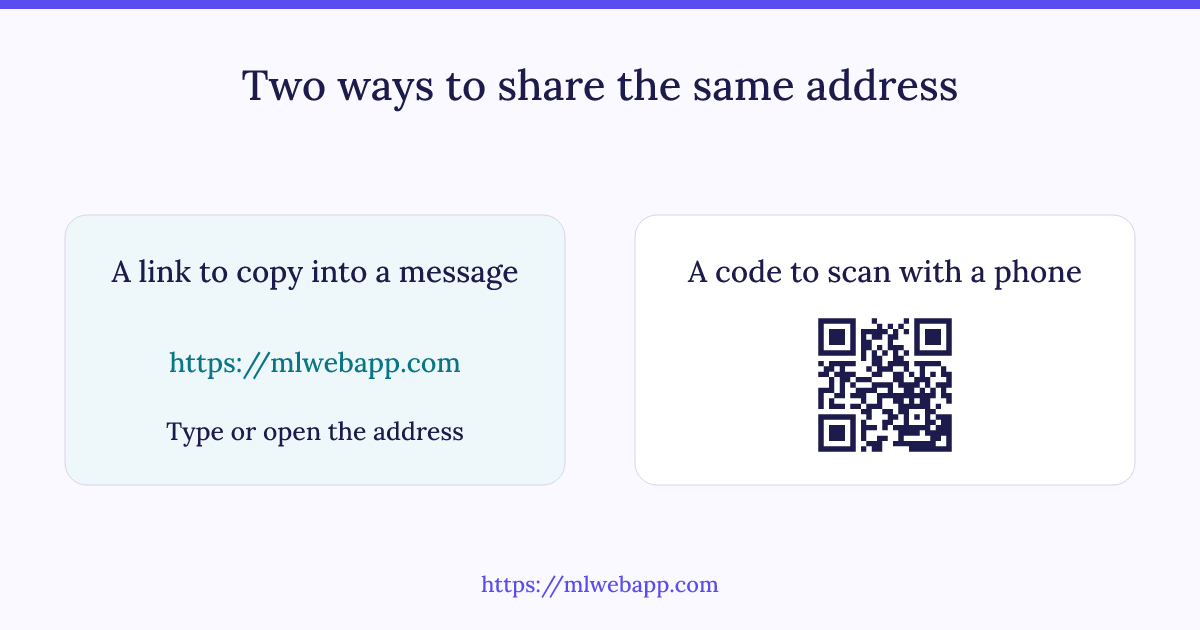
See the mechanisms in diagrams
Questions before you share
Is this URL shortener free and available without an account?
Yes. You can create a short link without registering. The service applies creation limits, and a custom ending already in use cannot be assigned to another link. Features shown on this page are available without a paid plan.
Can I create a QR code for my short link?
Yes. Select QR code beside the result to open the QR code generator with the short address. You can then customize and download the code. If you later update the destination, that printed QR code still contains the same short link.
Does the URL shortener check whether a destination is safe?
A redirect is not a security certificate for another website. The service rejects unsupported and private addresses, but it cannot guarantee every destination’s content. Verify the full address before sharing and be careful with requests for passwords or payments.
Can I use a private network address?
No. Destinations must be public HTTP or HTTPS web addresses. Local addresses, embedded login credentials, unusual ports and links that would loop back through the mlwebapp shortener are rejected.
What happens if a link is suspended?
A suspended link stops redirecting. Its creator cannot reactivate it or change its destination while the suspension remains in place. Contact mlwebapp if you believe it should be reviewed.
How can I test a link before publishing it?
Open the short URL in a separate tab and confirm that it reaches the intended public page. If you print it as a QR code, scan the downloaded image at its final size. Keep the original destination URL somewhere you can retrieve it.
For the underlying mechanism, read MDN’s guide to HTTP redirects.
Share only destinations you are authorized to distribute. Phishing, malware and unlawful content are prohibited; abusive links may be suspended. To report a link, contact mlwebapp and include its address. Read our privacy policy for information about the site.